Deleting a file is not the same thing as making it disappear.
Most systems are very good at removing references. A file vanishes from the folder, the trash looks empty, and the interface tells you the job is done. But underneath that familiar gesture, recoverable traces can still remain on disk, in free space, in old blocks, or inside storage surfaces you no longer think about.
Smog is now available to help you deal with that problem directly.
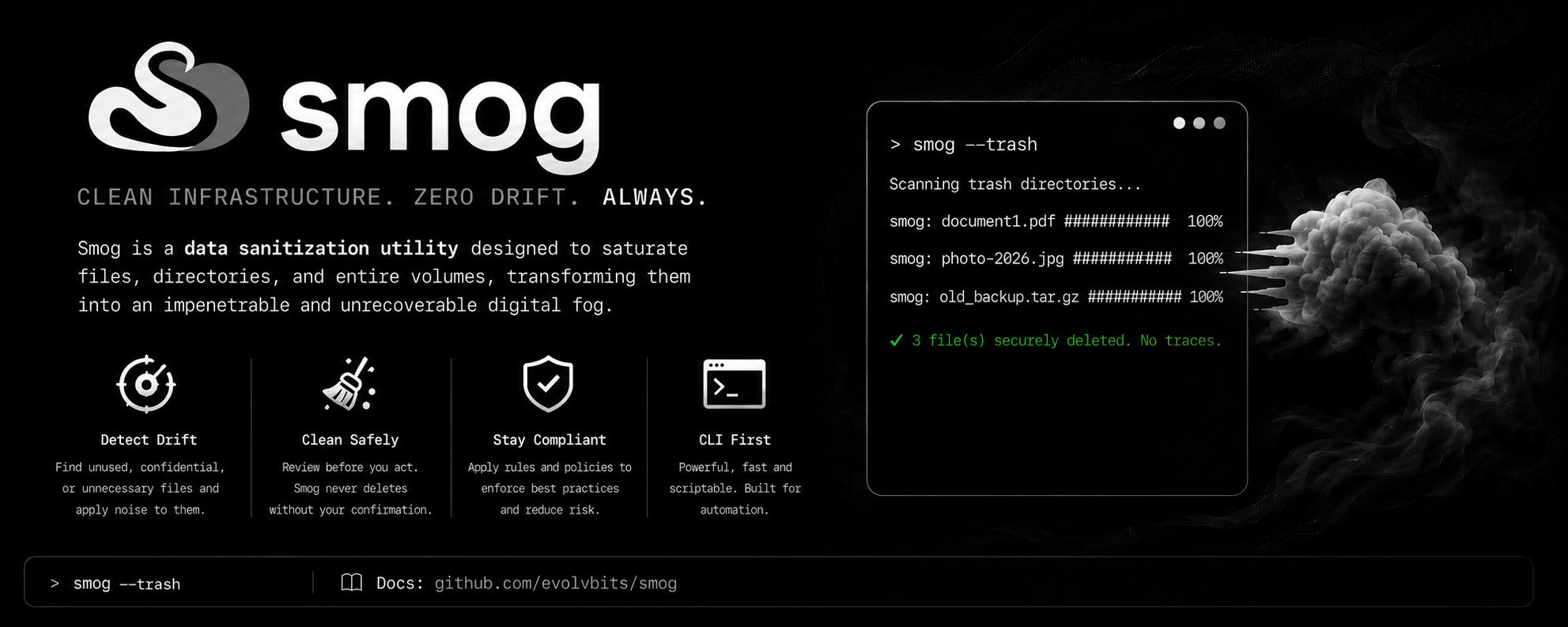
Smog is a fast Rust CLI for controlled data sanitization. It is designed for moments when ordinary deletion is not enough and you want an explicit, operator-driven way to turn sensitive data into unreadable noise.
It does not pretend that deletion is privacy. It treats destruction as an intentional workflow.
Why Smog exists
Sensitive data has a habit of outliving its usefulness.
Temporary exports. Wallet files. Private notes. Old credentials. Build artifacts. Client material. Logs. Archives. Test data. Things copied to a USB drive “just for a minute” and forgotten until the next cleanup.
The problem is not only that these files exist. The problem is that removing them casually can create a false sense of security.
Smog exists for people who want a sharper tool for those moments: a CLI that targets files, folders, trash, free space, and storage devices with deliberate overwrite behavior instead of relying on the default delete path.
It is built for operators who prefer explicit actions, visible progress, and tools that say what they are doing.
What Smog does differently
Smog is not a prettier trash button.
It is a data sanitization utility designed to overwrite information so what remains is no longer useful as information. The result is digital fog: a surface where the original structure is replaced by noise.
That makes Smog useful when you need to clean up data that should not be recoverable through ordinary means.
With Smog, you can think about deletion as a controlled operation:
- choose the target
- choose the level of effort
- observe the process
- remove sensitive material with intent
That difference matters. It turns “I deleted it” into “I deliberately sanitized it.”
Built for security-minded workflows
Smog is especially useful if you work close to sensitive material: security research, crypto workflows, private documents, infrastructure files, development artifacts, or any environment where old data should not linger longer than necessary.
It is designed for practical scenarios like:
- destroying individual sensitive files
- sanitizing entire directory trees
- clearing trash content more deliberately
- reducing traces from previously deleted material
- handling removable drives before reuse or disposal
- building cleanup routines around explicit targets
The point is not drama. The point is control.
When a file matters enough to protect, its removal should also be intentional.
A CLI that stays close to the operator
Smog is terminal-first because sensitive cleanup often belongs in scripts, operational checklists, and repeatable workflows.
You can use it manually when you need to destroy something right now, or integrate it into habits around exports, temporary folders, removable devices, and cleanup after sensitive tasks.
It gives you a workflow that feels direct:
Target the data. Run the operation. Watch it complete. Move on.
That makes Smog a good fit for people who already trust the command line as the place where serious work happens.
Why Rust matters here
Smog is built in Rust because this kind of tool should feel fast, predictable, and native.
Data destruction should not feel like a fragile script pasted together from old shell snippets. Smog is packaged as a focused binary with a clear job: take explicit targets and perform controlled sanitization work with visible feedback.
That gives you a tool you can keep around for real operational use, not just a one-off command you have to rediscover every time something sensitive needs to be removed.
More than files
Smog is shaped for different cleanup surfaces.
Files and directories are the obvious targets, but sensitive traces do not always stay neatly inside the current file tree. Deleted data can leave remnants in free space. Removable media may need deliberate handling. Trash directories can become a quiet pile of things that were “deleted” but never truly treated as sensitive.
Smog gives those cases a single mental model:
If the data should no longer be readable, push it into noise.
That does not remove the need for judgment. Storage hardware, SSD behavior, filesystem details, backups, snapshots, and cloud sync can all affect what “gone” really means. But Smog gives you a stronger local sanitization workflow than standard deletion and keeps that workflow explicit.
For the cleanup you should not postpone
Every technical person has a graveyard of old files.
The archive that should have been removed. The copied key that was only meant to exist temporarily. The database dump from a test. The document exported for a quick transfer. The folder you keep meaning to review before deleting.
Smog is for the moment when you stop postponing that cleanup.
It helps you remove sensitive material with the seriousness it deserves, without turning the process into ceremony.
A better default for sensitive deletion
Smog is not meant to replace every normal delete operation. You do not need a data sanitization tool for every cache file or harmless download.
But when the data matters, Smog is the better default.
Use it when the question is not “Can I hide this from the file manager?” but “Can I reduce the chance that this information remains recoverable?”
That shift is the whole point.
Smog is available now
Smog is now available as part of the OrbitBits toolchain.
If your cleanup process still depends on ordinary deletion for sensitive material, this is a good time to add a stronger tool to your workflow.
Turn data into unreadable noise. Make sensitive removal intentional. Let old traces disappear into the fog.

Comments